Lighting guide
How to avoid shadows in a passport photo
Use distance, soft frontal light and simple camera checks to prevent shadows on the face and background of a passport photo.
Updated 5 minute read
The short answer
The short answer
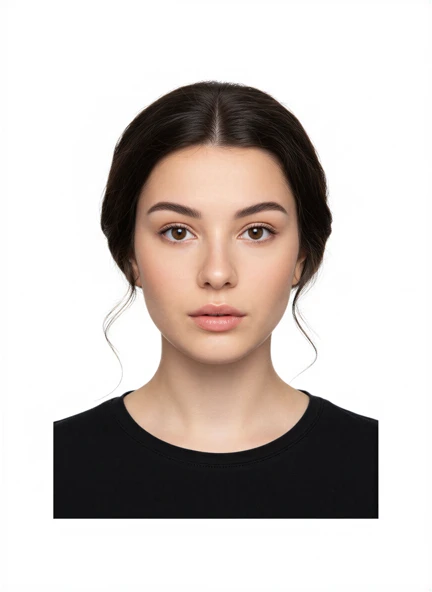
Face a broad, soft light source, keep the light near camera height and stand away from the background. Turn off a strong overhead light, avoid direct flash and check both sides of the face plus the wall behind the head before taking the photo.
Key checks
- Move away from the wall to soften the background shadow.
- Use broad light in front of the face.
- Avoid direct flash and strong overhead light.
- Review the full background at normal brightness.
Step by step
Find the shadow
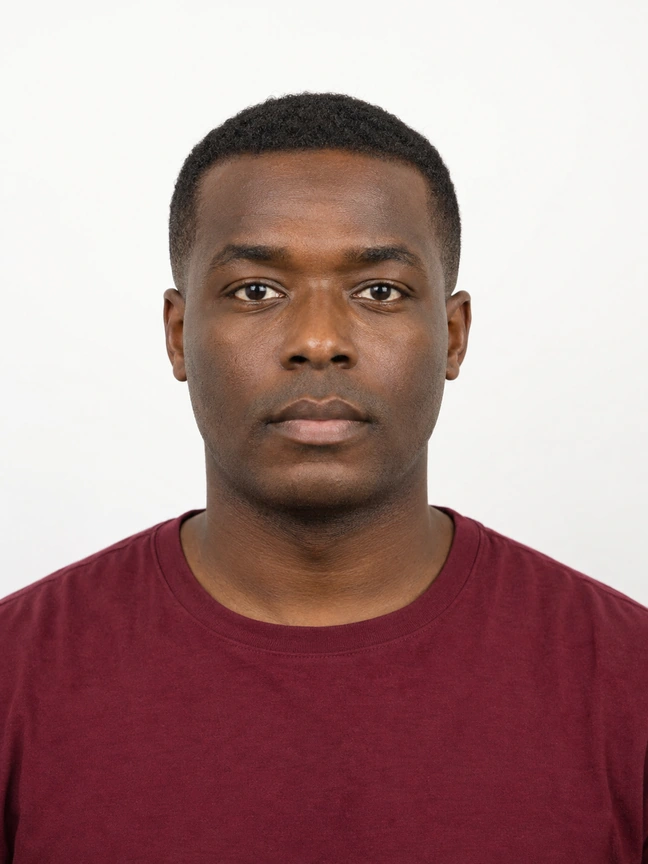
Check under the eyes and chin, beside the nose, and on the wall around the hair and shoulders.
Move away from the background
Add distance between the person and wall so the background shadow becomes softer or falls outside the frame.
Bring soft light forward
Face a window or broad lamp positioned close to camera height instead of lighting from above or one side.
Take a test photo
Review the face and entire background before taking the final series.
Identify face shadows and background shadows separately
A shadow beside the nose or under one eye means the face is receiving more light from one side. A dark outline on the wall means the person is too close to the background or the light source is too small and direct.
Look at the whole frame, not only the face. Phone screens can make a dark area seem less obvious, so raise the display brightness for the review and zoom out to inspect the wall around the head and shoulders.
Use one broad light in front of the person
A large window is often enough. Face the window and place the phone between the person and the light without blocking it. If the sun creates a hard beam, move away from direct sunlight or use a thin curtain to soften it.
Avoid relying on a ceiling light directly above the head. It can create dark eye sockets and a shadow under the chin. Direct phone flash can flatten the face, create glare and throw a hard shadow onto the wall.
Create space between the person and the wall
Move forward from the background while keeping the wall large enough to fill the frame. The increased distance makes any remaining shadow softer and gives you more control over the lighting.
Keep the phone at eye level and step back enough to avoid wide-angle distortion. Reframe using the normal camera rather than moving the lens very close to the face.
Fix the light at capture time
Take a test photo, inspect both sides of the face and look for a halo or outline on the wall. Adjust position and light, then take several sharp originals while the setup is consistent.
Do not assume a shadow-removal tool is allowed. The US Department of State explicitly prohibits software, filters and AI alterations for passport photos, and the UK asks for an unaltered digital photo. A clean original is the safer starting point.
Common questions
Can I use a ring light for a passport photo?
A ring light can help if it produces even light without glare or a strong reflection. Keep it near camera height, use a neutral setting and inspect the face and background carefully.
Can I edit out a shadow after taking the photo?
Do not do this unless the receiving authority explicitly permits it. US passport guidance prohibits digital alterations, and UK digital guidance asks for an unaltered photo.
Official guidance
Requirements can change. Use the issuing authority’s current guidance as your final reference before submitting.