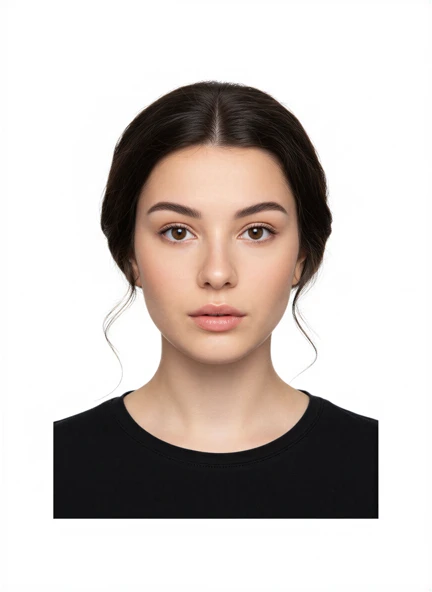
US passport photos
US passport photo size and current photo rules
Understand the US 2x2-inch passport photo size, head dimensions, background rule and ban on digital alterations.
Updated 6 minute read
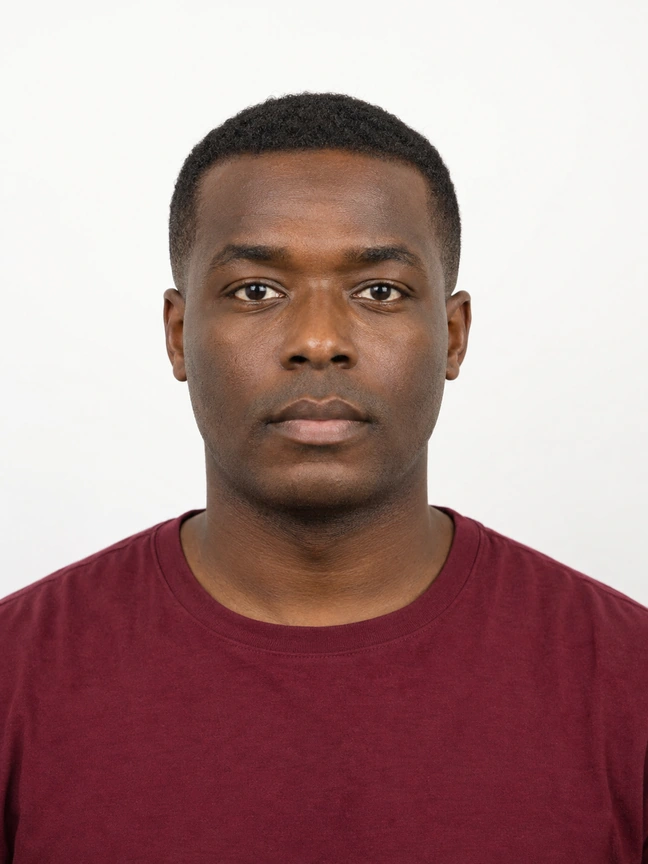
The short answer
The short answer
A printed US passport photo must be 2x2 inches. The head, measured from the bottom of the chin to the top of the head, must be between 1 and 1 3/8 inches. The Department of State requires a recent colour photo with a plain white or off-white background and says not to use software, phone apps, filters or AI to alter it.
Key checks
- Printed size: 2x2 inches.
- Head height: 1 to 1 3/8 inches.
- Background: plain white or off-white.
- Use an original, unchanged photo with no digital alteration.
The 2x2-inch print requirement
The US Department of State specifies a square photo measuring 2 inches by 2 inches, or 51 by 51 millimetres. The head must be centred and occupy the required proportion of the frame. Measure from the bottom of the chin to the top of the head, including hair, and keep that distance between 1 inch and 1 3/8 inches.
Do not assume that a square image on screen will print at 2x2 inches. If you are submitting a paper application, use a layout built for the chosen paper size, print at 100% scale and measure the finished photo.
Background and lighting
Use a plain white or off-white background with no texture, objects or visible shadows. Stand far enough from the wall to reduce a shadow behind the head, and face soft light so both sides of the face are clear.
The Department of State says the image must not be digitally changed. Do not replace the background, remove shadows with editing software, retouch the face or apply filters. Capture a suitable background and even light in the original photo.
Face, expression and image age
Use a colour photo taken within the last six months. Face the camera directly with the full face visible. The official examples explain expression, glasses, head coverings, clothing and common quality problems.
The detailed rules can change, and special circumstances may have separate instructions. Read the official page immediately before taking the photo and again before submission rather than relying only on a saved checklist.
How Passport Booth can help without replacing the rules
Select the United States and the exact passport application route. Use the capture overlay for positioning, review your original photo, and choose the output required by that route. A print template is not automatically suitable for an online renewal.
For a US passport photo, begin with an original photo that already has the correct plain background. Do not use background replacement or other alteration tools. The app can support framing and layout, but the Department of State makes the final acceptance decision.
Common questions
Is a US passport photo 2x2 inches or 35x45 mm?
A US passport photo is 2x2 inches, or 51x51 mm. The 35x45 mm format is used by other countries and documents, so select the exact destination and document.
Can I remove the background with an app for a US passport photo?
No. Current Department of State guidance says not to use software, phone apps, filters or AI to alter the passport photo. Capture the required plain white or off-white background in the original image.
Official guidance
Requirements can change. Use the issuing authority’s current guidance as your final reference before submitting.