UK passport photos
UK digital passport photo requirements
Prepare a clear UK digital passport photo with a plain light-coloured background, even lighting and no digital alteration.
Updated 6 minute read
The short answer
The short answer
For a UK digital passport application, take a clear, in-focus colour photo against a plain light-coloured background. Use even light with no shadows on the face or behind the head, keep other people and objects out of the frame, and do not alter the image with software.
Key checks
- Use a plain, light-coloured background.
- Keep the face and background evenly lit.
- Submit a clear, in-focus and unaltered image.
- Follow the digital application route's latest instructions.
Use a plain light-coloured background
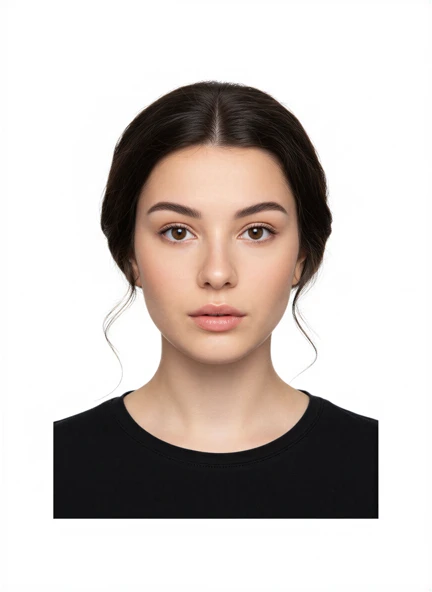
The UK digital photo service asks for a plain, light-coloured background with no pattern or objects. Position the person so the wall fills the frame and no edge, door, frame or furniture is visible.
Move away from the wall if a shadow appears behind the head. Use daylight or another broad, soft light from in front of the face. The aim is an even result at capture time, not a background that needs replacing afterwards.
Keep the photo clear and unaltered
The digital image should be sharp, in focus and in colour. Clean the phone lens, hold the device steady and avoid a close wide-angle view. Keep filters, Portrait mode and retouching features turned off.
Do not change the face or background using editing software. GOV.UK provides examples of acceptable and unacceptable photos, and the online service performs its own checks after upload.
Frame the face and follow expression rules
Face forward and look directly at the camera. Keep the head level and make sure the face is not covered by hair. The official guidance includes rules for expression, eyes, glasses, head coverings and children.
Those details are more specific than a generic size preset. Open the official UK instructions for the exact applicant, especially for babies, children or anyone who needs an exception.
Use the UK preset, then check the official service
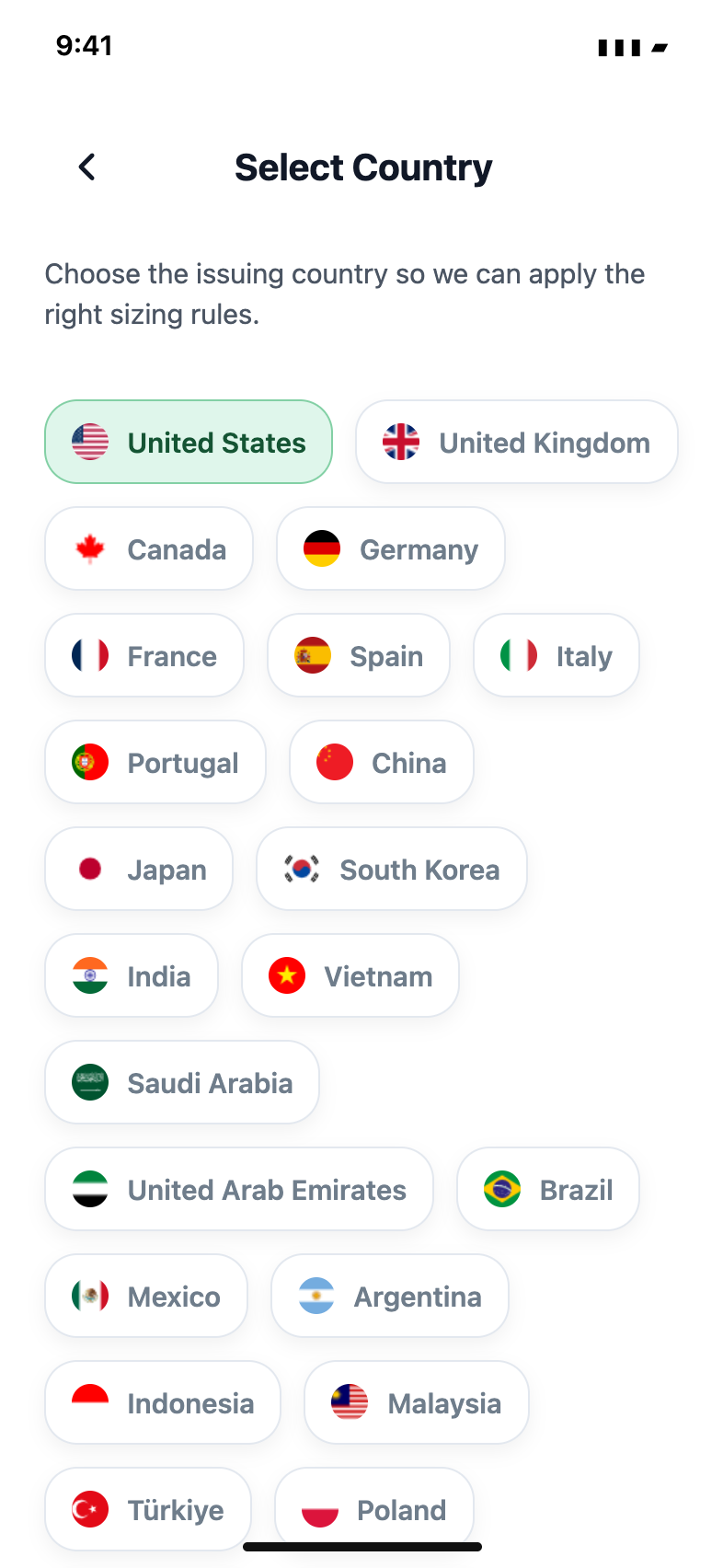
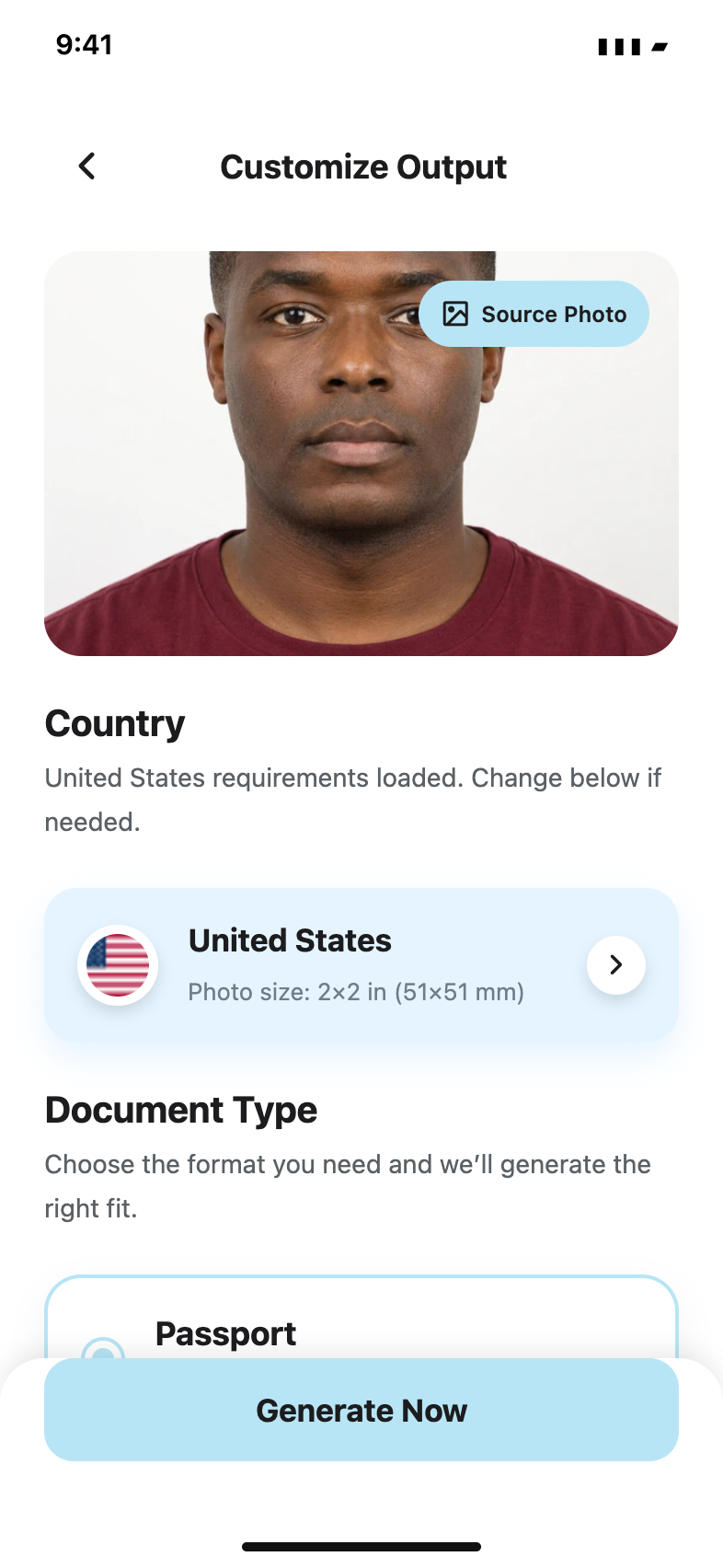
In Passport Booth, select the United Kingdom and the relevant document. Use the capture guide to improve position, review your original photo and save the digital file requested by the application route.
The UK online application checks the uploaded photo and may ask for another one. An app can help with preparation, but it cannot promise approval. Check GOV.UK immediately before submission because requirements and the online flow can change.
Common questions
Does a UK digital passport photo need a white background?
The current UK guidance says a plain light-coloured background. It does not need to be pure white, but it must not contain patterns, objects or shadows.
Can I edit the background of a UK digital passport photo?
The UK service asks for an unaltered photo. Set up the correct background and lighting when taking the picture instead of replacing the background later.
Official guidance
Requirements can change. Use the issuing authority’s current guidance as your final reference before submitting.