Start with the application
Digital or printed? Choose the right photo for your application
Choose the country, document and application route before preparing a digital upload or a printed passport photo.
Updated 4 minute read
The short answer
The short answer
Start with how you will apply. An online application may need a digital file with pixel and file-size limits; a paper application may need a physical photo measured in millimetres or inches. Select the exact country and document in Passport Booth, then follow the available route and its official instructions.
Key checks
- The destination alone does not identify the application route.
- Pixels describe a digital image; millimetres and inches describe a print.
- A print sheet is not a digital application photo.
- Check that your exact route is supported before continuing.
Step by step
Open your application instructions
Check the issuing authority's application page. Identify whether you will upload a file, bring a printed photo or use an authorised photography service.
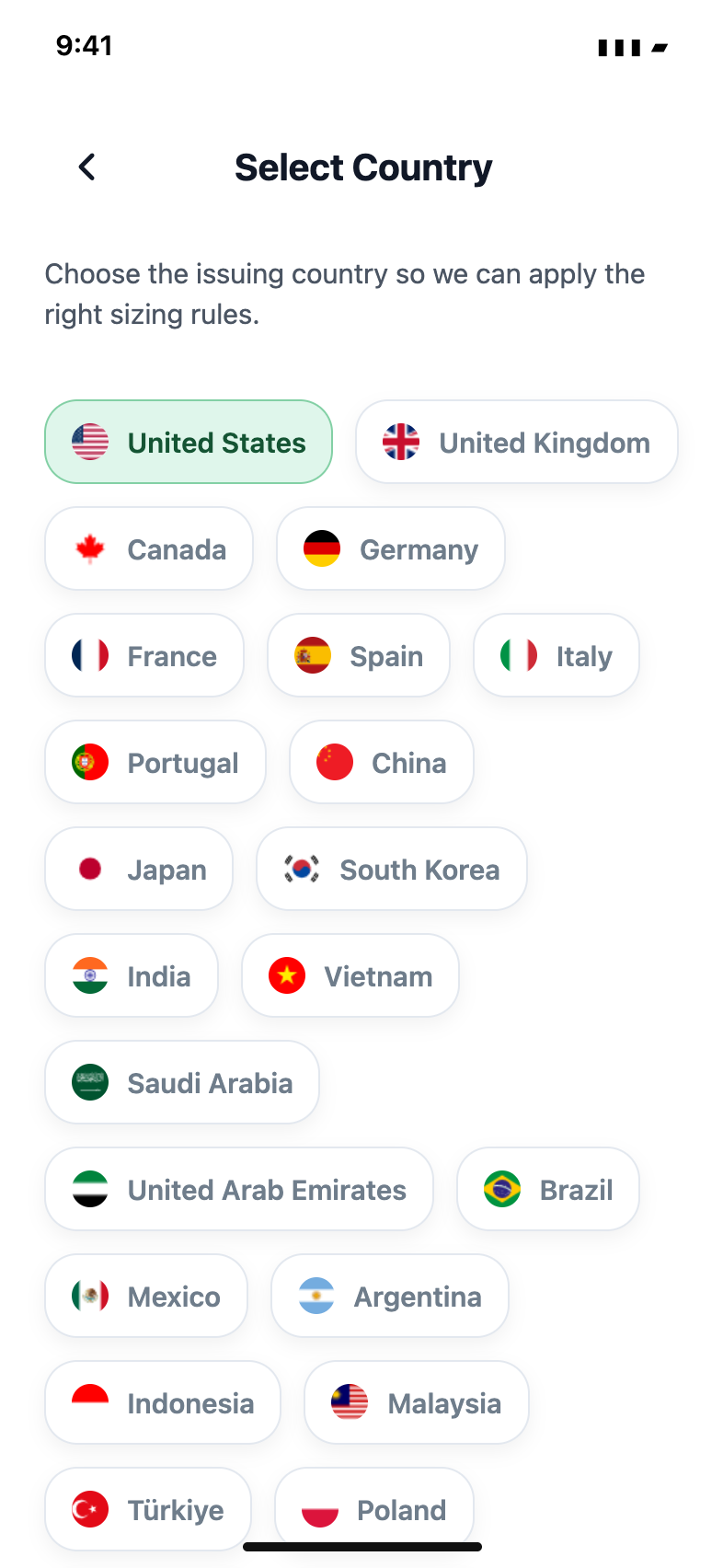
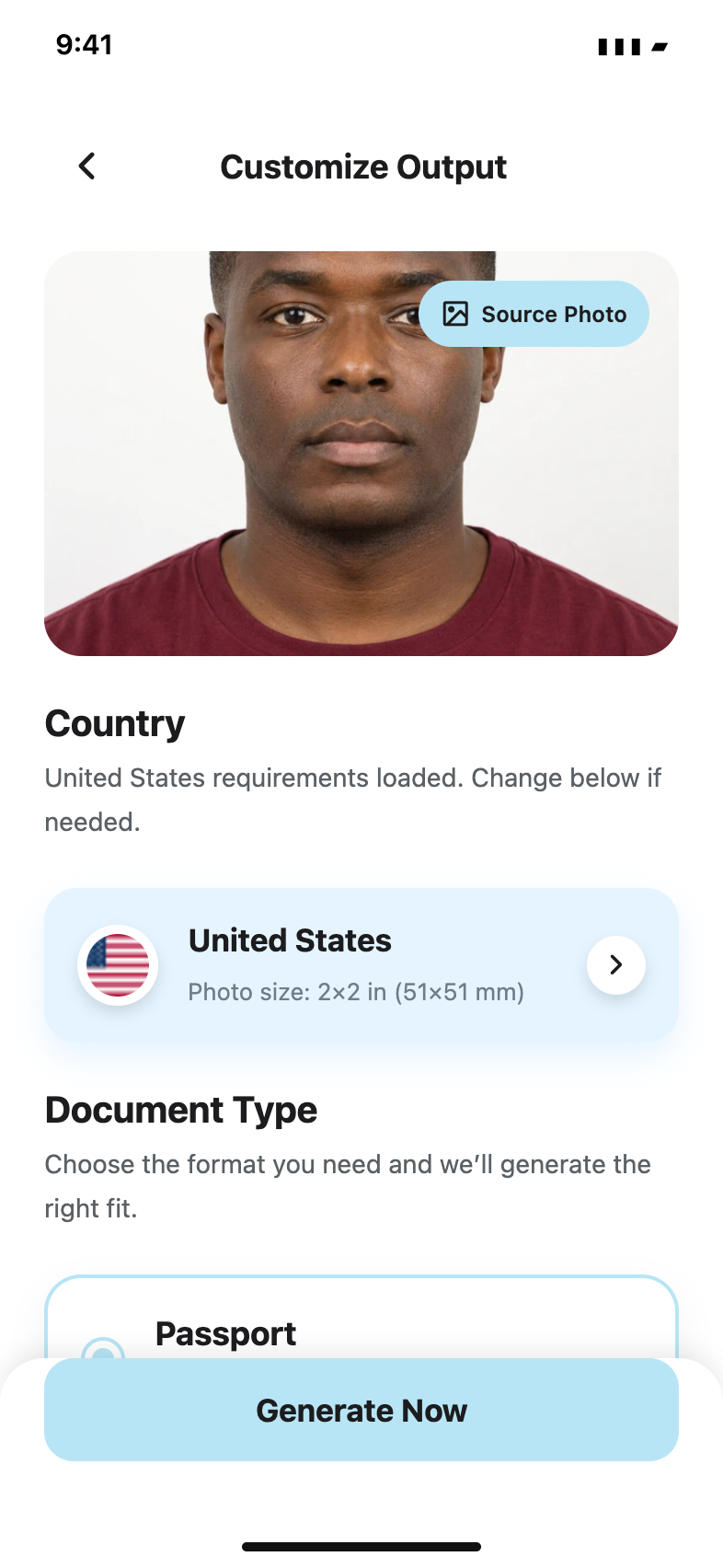
Choose the country and document
Match the passport, visa or ID application in Passport Booth. Read the route details instead of selecting a similar-looking size.
Review the output requirements
For digital photos, check pixels, file type and file-size limits. For prints, check physical size, head position and paper requirements.
Save the matching output
Use the digital file for an upload and a correctly scaled print layout for paper. Recheck the exported file or measured print before submitting.
One country can have more than one route
A new passport, an online renewal and a visa can have different instructions even in the same country. A country preset is a starting point. The application instructions determine which format you need.
Read the availability message
Some applications require a photo booth, an approved photographer or another process that an app cannot replace. If the exact route is unavailable, follow the official guidance rather than choosing a different document to unlock an export.
A format does not certify a photo
Correct dimensions do not establish acceptable lighting, expression, recency or image integrity. Review the original photo too. The issuing authority makes the acceptance decision.
Common questions
Can I upload a PDF print sheet to an online application?
Only if that application expressly requests it. Most photo upload fields need a single image, not a sheet containing several copies.
Does a country listing mean every application is supported?
No. Check the document and route shown in the app. A country can have guidance-only or unavailable routes.
Official guidance
Requirements can change. Use the issuing authority’s current guidance as your final reference before submitting.