Photo size comparison
Passport photo vs visa photo size: what changes?
Compare passport and visa photo sizes, backgrounds and file rules, and learn why the destination and document must be selected separately.
Updated 5 minute read
The short answer
The short answer
Passport and visa photo sizes are not universally the same. A US passport photo is 2x2 inches, while many other document routes use 35x45 mm or another format. Background, head size, file dimensions and recency can also change by country, document and application route.
Key checks
- Country alone does not determine the photo rules.
- Passport, visa and ID routes can use different dimensions.
- Printed and digital applications may request different outputs.
- Check the exact authority and application route every time.
The document type matters as much as the country
A country may publish separate instructions for passports, visas, residence permits and driving licences. The same applicant can therefore need several different photo formats for one trip or move.
Start with the authority that will receive the application. Record the document name, printed or digital route, image dimensions, head-size rule, background rule and file requirements before taking the photo.
Common size examples are not universal rules
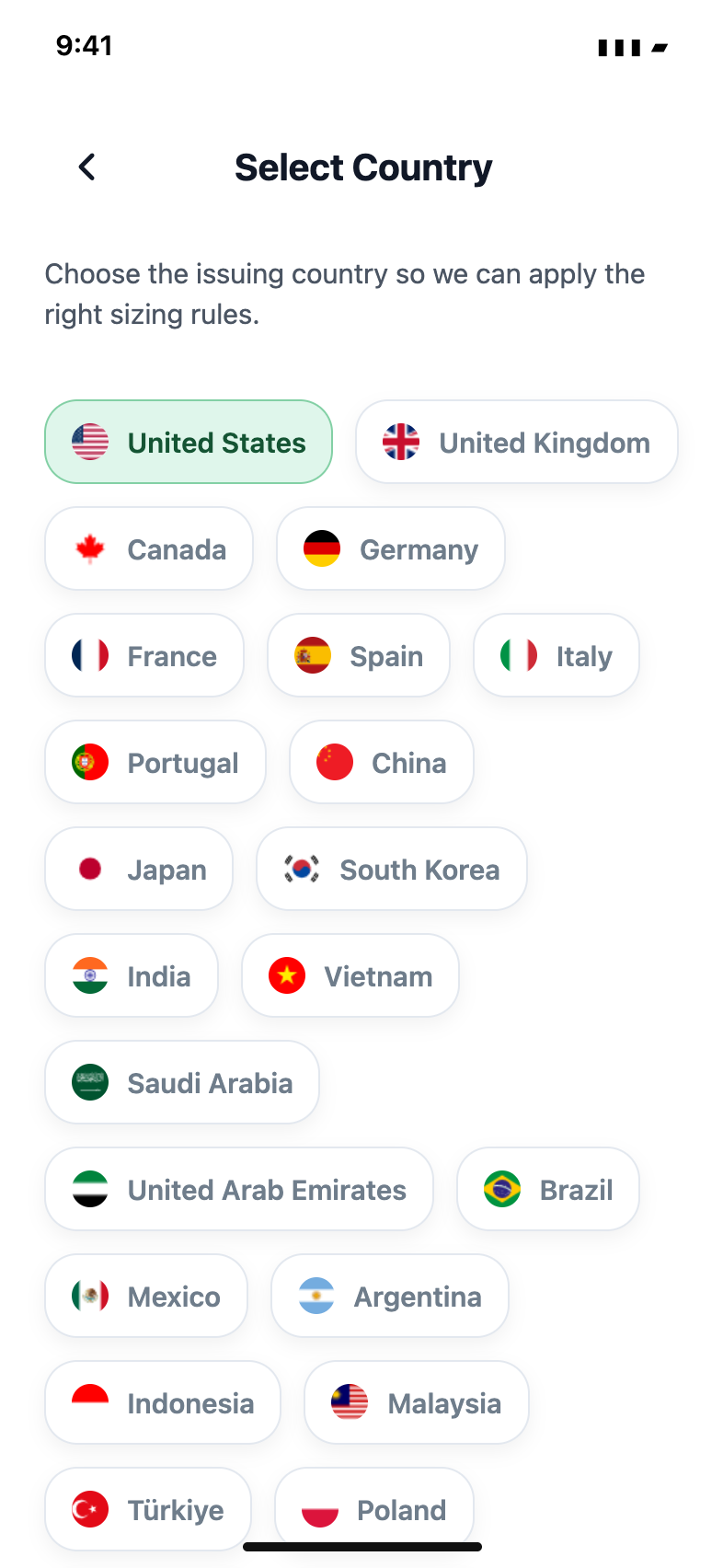
The US passport format is 2x2 inches. The 35x45 mm format appears in many European and UK-related contexts, but it should not be treated as a universal visa size. Embassies and visa providers can publish their own specifications.
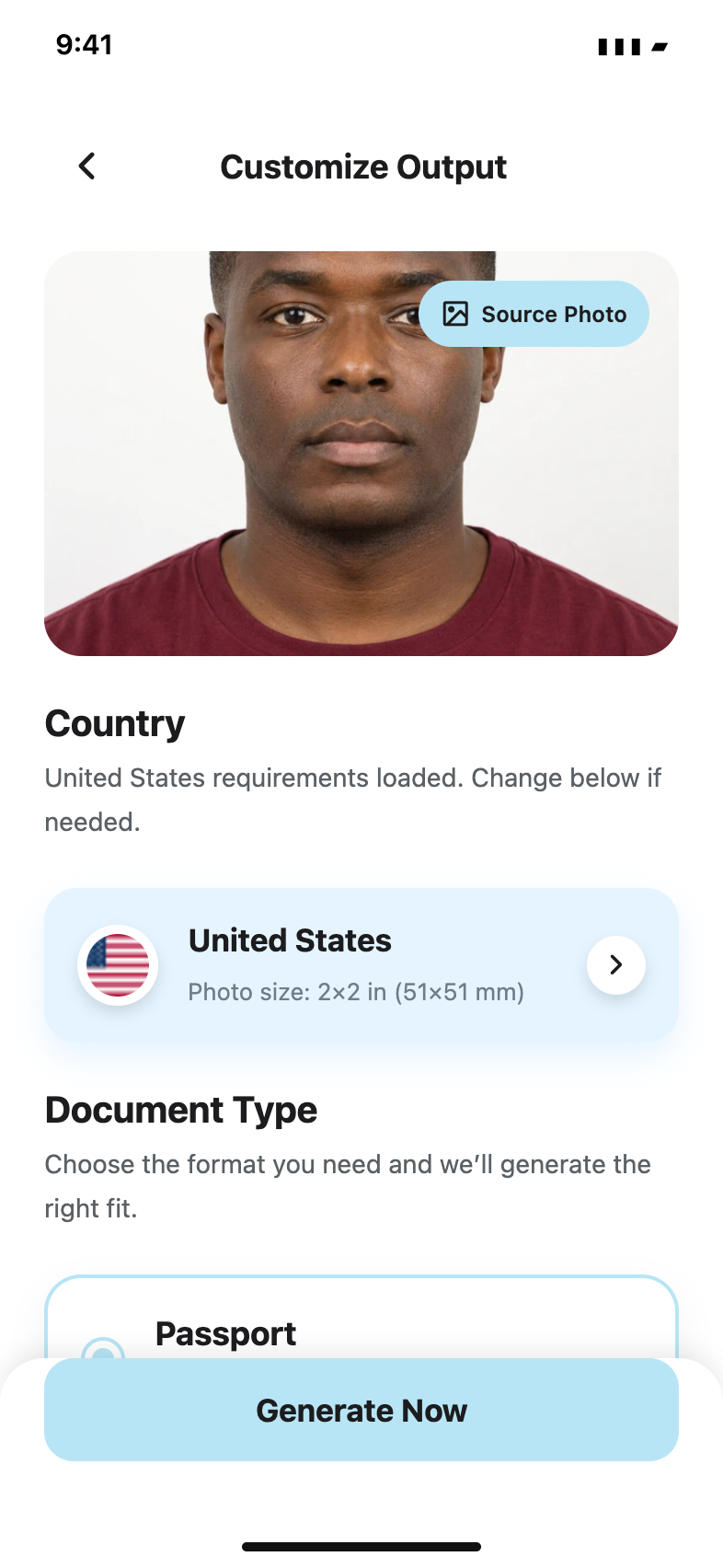
A preset is useful for preparing the canvas and crop. It is not a substitute for checking the official source, especially if the application form gives a newer or more specific instruction.
Digital and printed files have different failure points
A printed application can fail because the physical size, scale, paper or cut is wrong. A digital application can fail because the pixel dimensions, file size, compression or upload crop is wrong. Both routes still require a suitable underlying photo.
Keep the original file, the prepared digital version and any print layout separate. Do not use a screenshot as the master copy, because screen scaling and compression make dimensions less predictable.
Choose the exact preset in Passport Booth
The app begins with a country and document selector so you can prepare a passport, visa, ID card or driving licence format independently. After capture, review your original photo and select the available output required by the receiving authority.
If the authority's current rule does not match a preset, follow the authority. Requirements can change, and final acceptance always belongs to the government department, embassy or application provider.
Common questions
Can I reuse my passport photo for a visa?
Only if the visa authority accepts the same image age, dimensions, background and file format. Check the visa instructions rather than assuming the passport version is reusable.
Is 35x45 mm the standard visa photo size?
It is common, but it is not universal. Use the exact specification published for the country, visa type and application route.
Official guidance
Requirements can change. Use the issuing authority’s current guidance as your final reference before submitting.