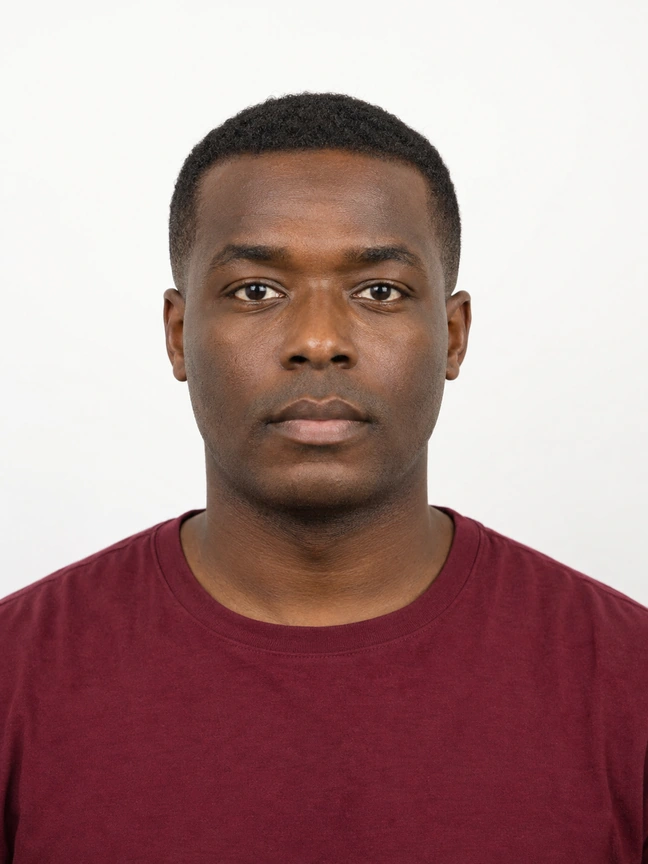
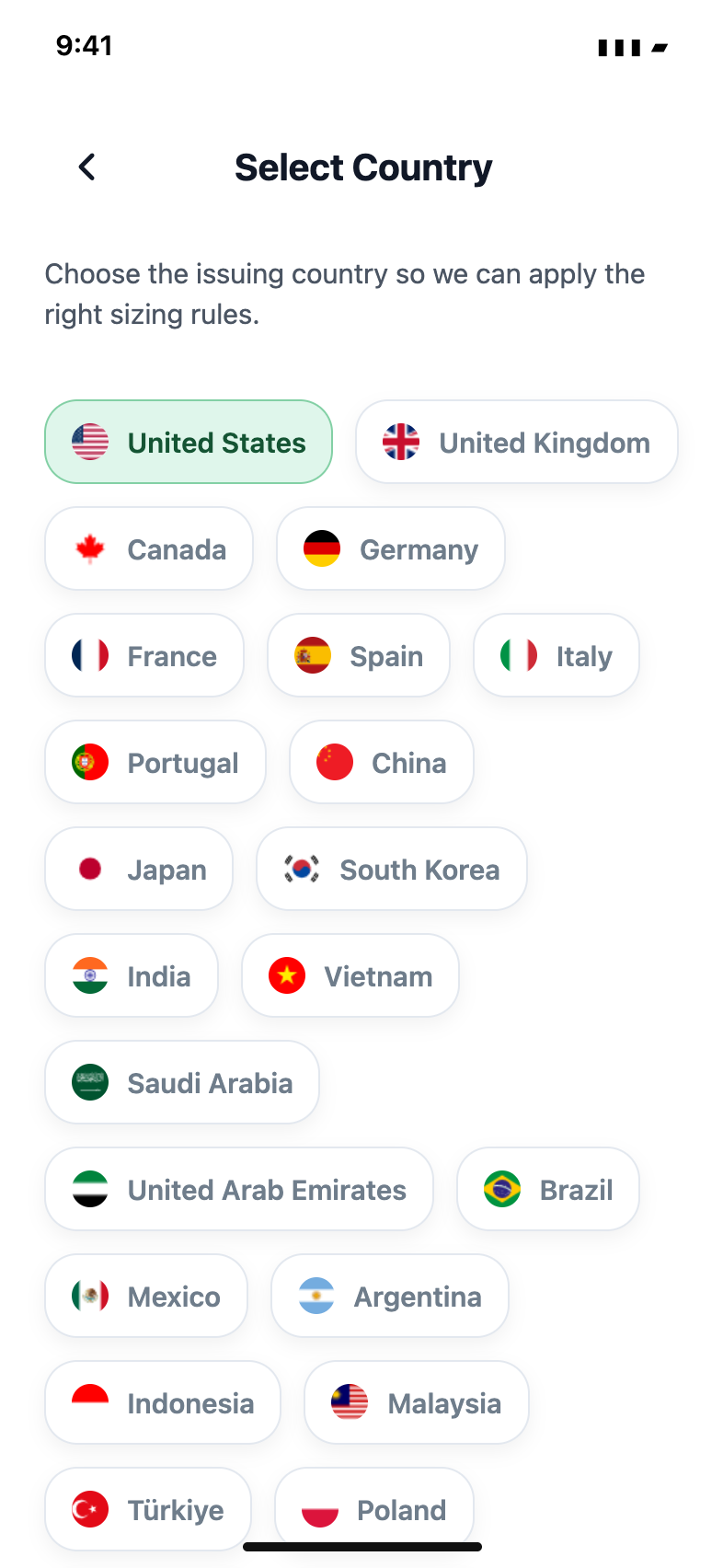
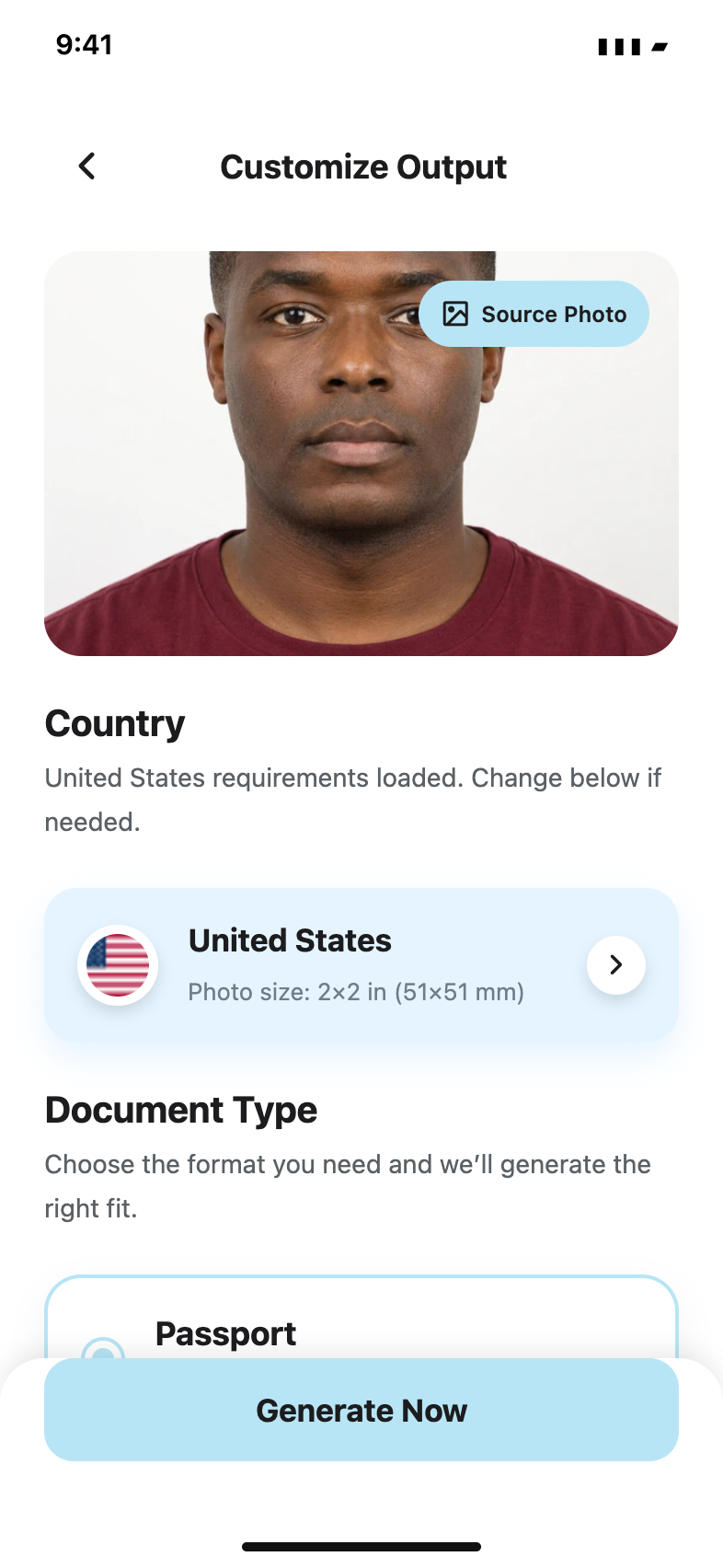
Your photo, carefully prepared
Bring your own photo. Start with a better original.
Choose a suitable original image from your iPhone, inspect its quality and decide when a new photo is the better option.
Updated 4 minute read
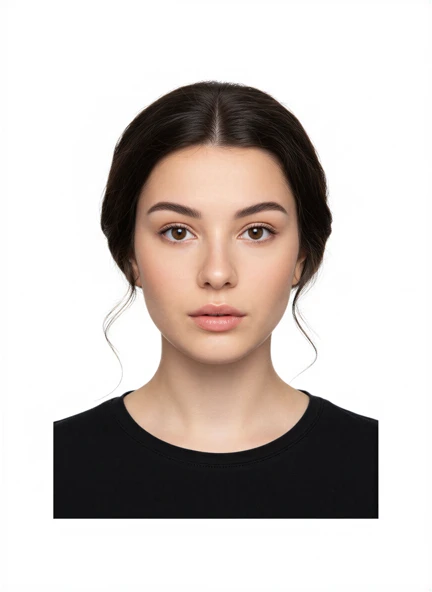
The short answer
The short answer
Import the original camera file, not a screenshot or a compressed chat attachment. Check the face, background, lighting and space around the head before preparing the required format. If the image needs a new face, a replaced background or artificial detail to work, take another photo instead.
Key checks
- Start with the original, full-quality camera file.
- Keep enough space around the head and shoulders.
- Inspect the image at full size for blur and compression.
- Retake unsuitable photos instead of retouching them.
Step by step
Find the original image
Choose the camera photo from your library. Avoid social-media downloads, scans of a printed photo and screenshots of a preview.
Import it into Passport Booth
Use the photo-library control and select the image. If the app cannot read the file, choose another original or take a new photo.
Check the whole frame
Keep the head level, eyes visible and shoulders within the frame. Make sure there is room for the required crop without cutting off the head.
Review before saving
Inspect sharpness, natural skin colour, shadows and background. Compare the result with your application instructions, then save the available output.
More pixels cannot repair a poor original
A larger exported file does not restore detail lost to blur or heavy compression. If the app reports insufficient resolution, find the original camera image or take a fresh photo. Do not enlarge a thumbnail and assume it is now suitable.
Framing guidance is not an approval check
The face frame helps you position the camera. It does not confirm biometric compliance or guarantee that an authority will accept the photo. Read the official examples and review the image yourself.
Keep the person and background unchanged
Beauty filters, background replacement and AI retouching can make a photo unsuitable. US and UK passport guidance require an unaltered image. Set up the light and background before taking the picture instead of repairing them afterwards.
Common questions
Can I use a photo someone sent through a messaging app?
Ask for the original file at full quality. A compressed copy may lose detail even when it looks clear on a small phone screen.
Does importing a photo make it passport-ready?
No. Importing only brings the file into the app. You still need to check the photo and the exact application requirements.
Official guidance
Requirements can change. Use the issuing authority’s current guidance as your final reference before submitting.